 Fourthwise
Mobile
Fourthwise on mobile
Install the Fourthwise web app on your Home Screen for an app-like mobile experience while native Android and iPhone apps are in development.
Available now
Use the Fourthwise web app
Open Fourthwise in your mobile browser, then add it to your Home Screen. It launches from your Home Screen in a standalone, app-like experience built for Fourthwise.
iPhone
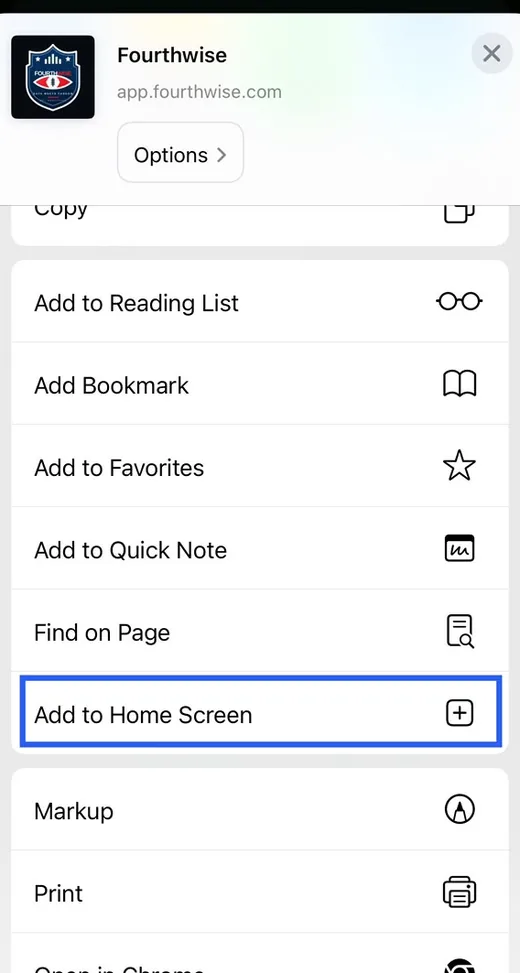
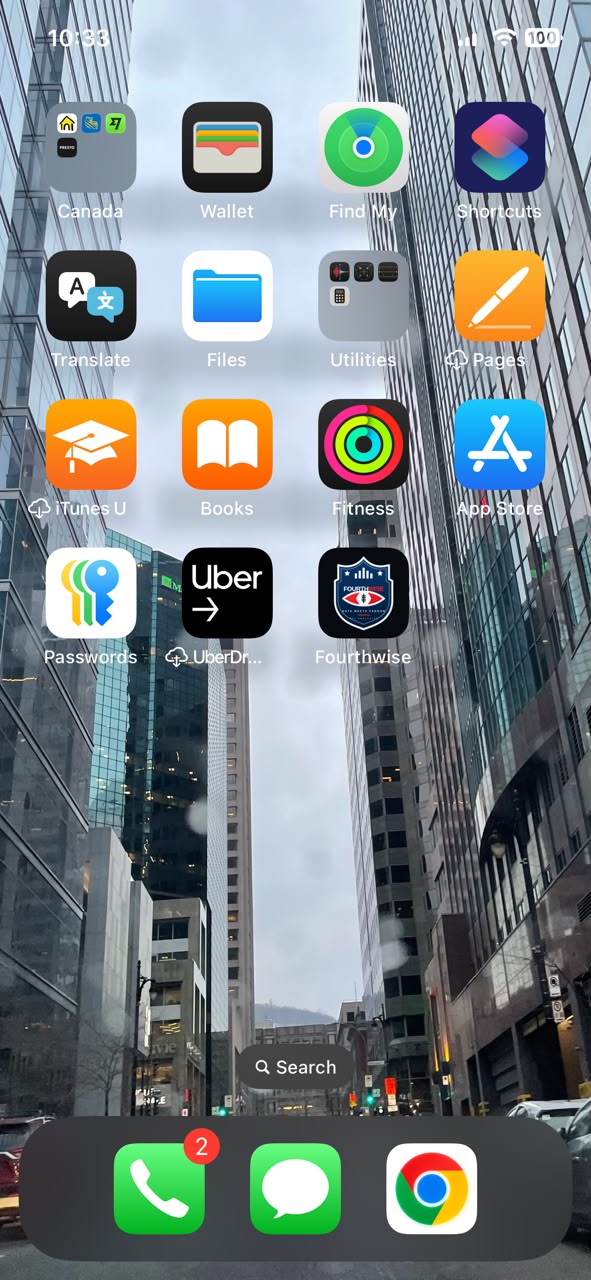
Add Fourthwise to your iPhone Home Screen
- Open the Fourthwise web app in Safari.
- Tap the Share button.
- Choose Add to Home Screen.
- Tap Add, then launch Fourthwise from its Home Screen icon.
Android
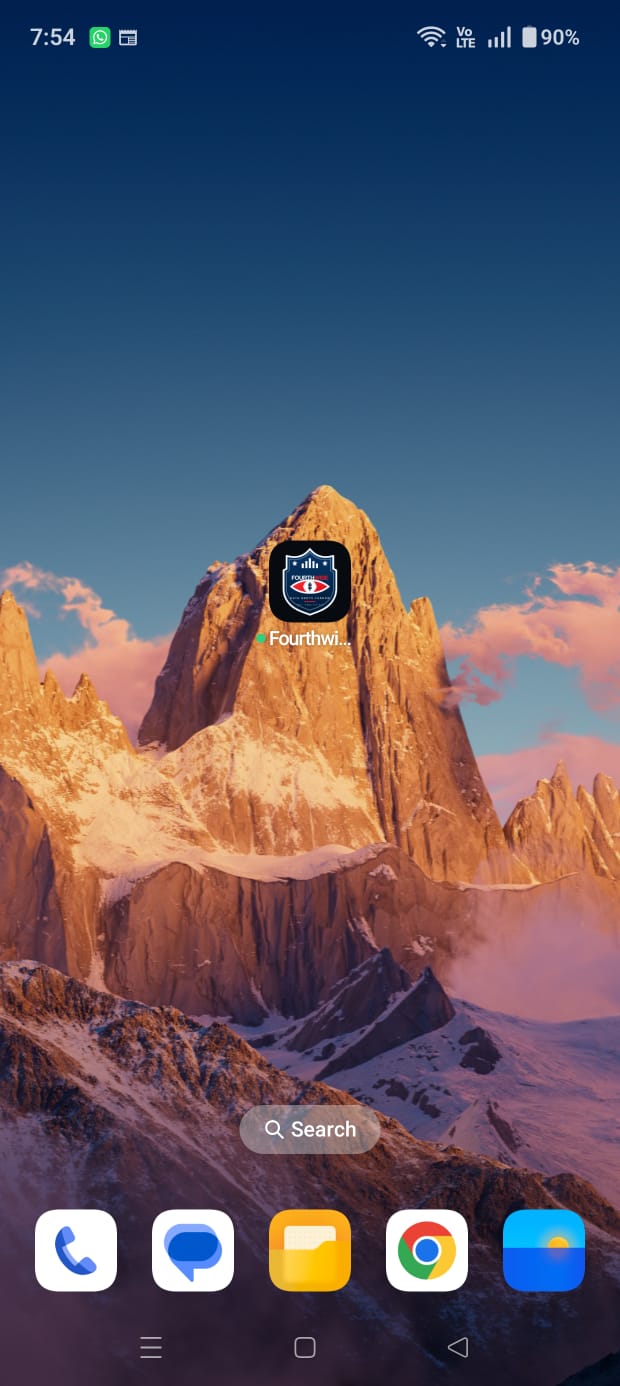
Install Fourthwise on Android
- Open the Fourthwise web app in Chrome.
- Open the browser menu (⋮).
- Choose Install app.
- Then launch Fourthwise from your Home Screen icon.
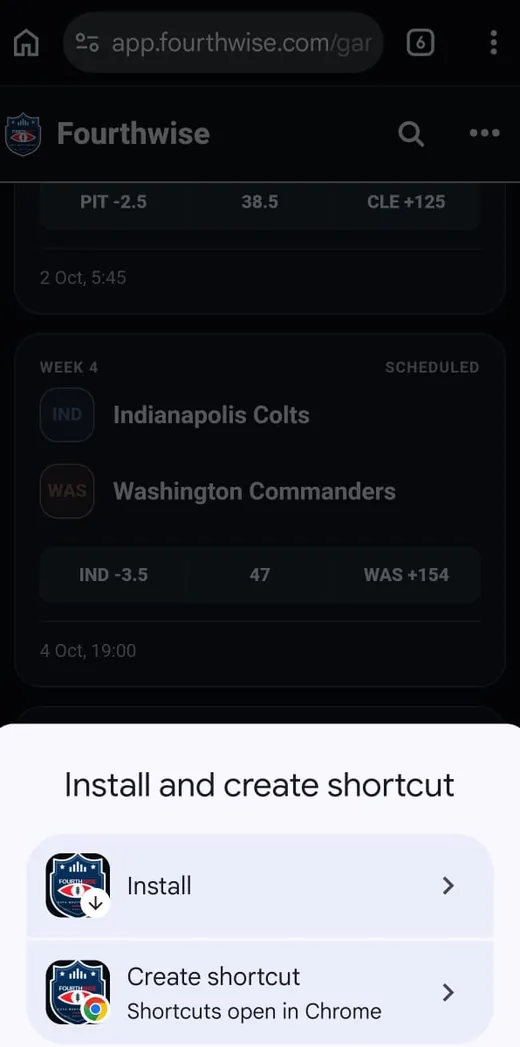
The exact install wording can vary by Android and Chrome version.
Native apps
Android and iPhone apps are in development
We’ll share availability details when they’re ready. Until then, the Fourthwise web app is the supported app-like mobile experience.